10 Cool things you can do with FirstClass ED 10 Cool things you can do with FirstClass ED
 1 - Manage your classes from your computer 1 - Manage your classes from your computer
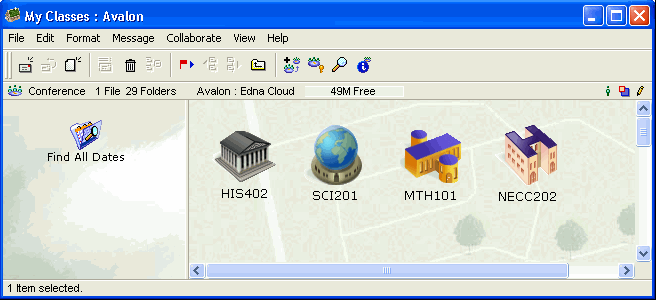
You can access all of your classes from the My Classes area of your FirstClass Desktop. This keeps them together and lets you go back and forth between classes easily.
2 - Use the course content to help you study for tests
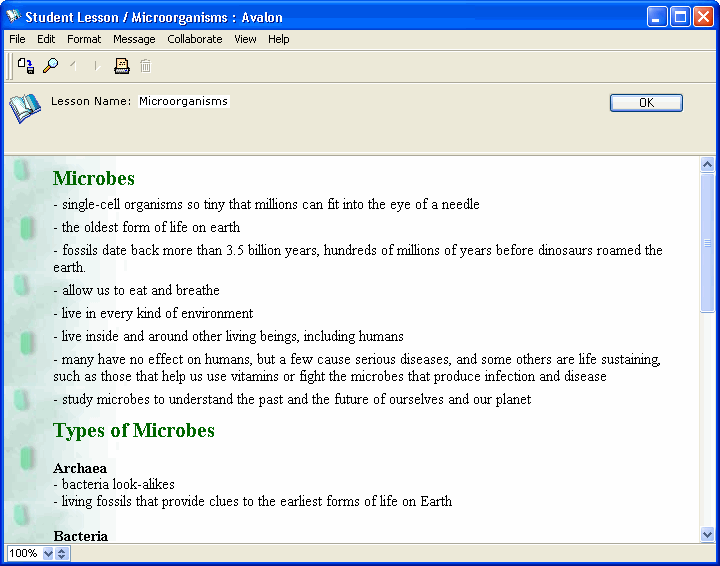
All of your class lessons are stored in the Course Content area for each class. When it is time to study for a test, use the Course Content area to get information that might be on the test, take notes, create mock tests, and so on.
about following the lesson plan.
3 - Complete assignments without ever picking up a pen
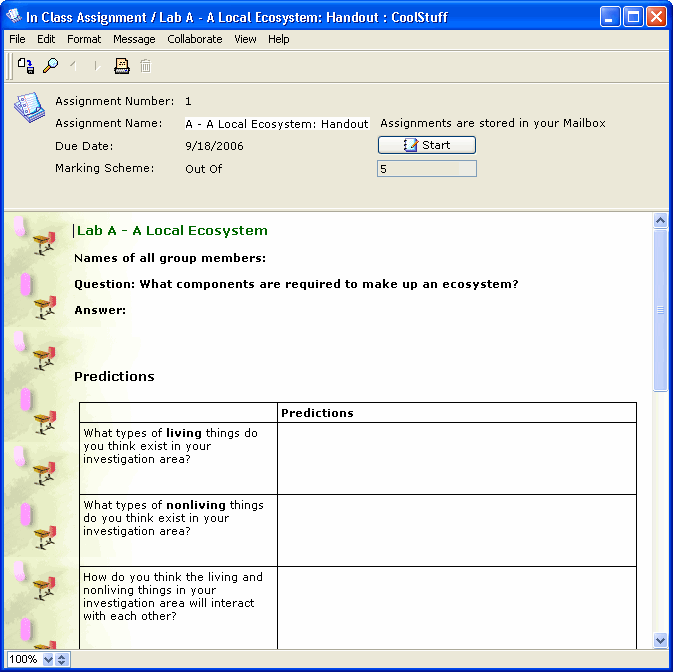
To start an assignment, click Start from the assignment in the Course Map. Then complete the assignment online from your Mailbox, and click Hand In when you are finished. This way, the assignment is completely managed from your Mailbox, and you never have to pick up a pen or print out the assignment.
about managing assignments.
4 - Turn your assignment into a presentation
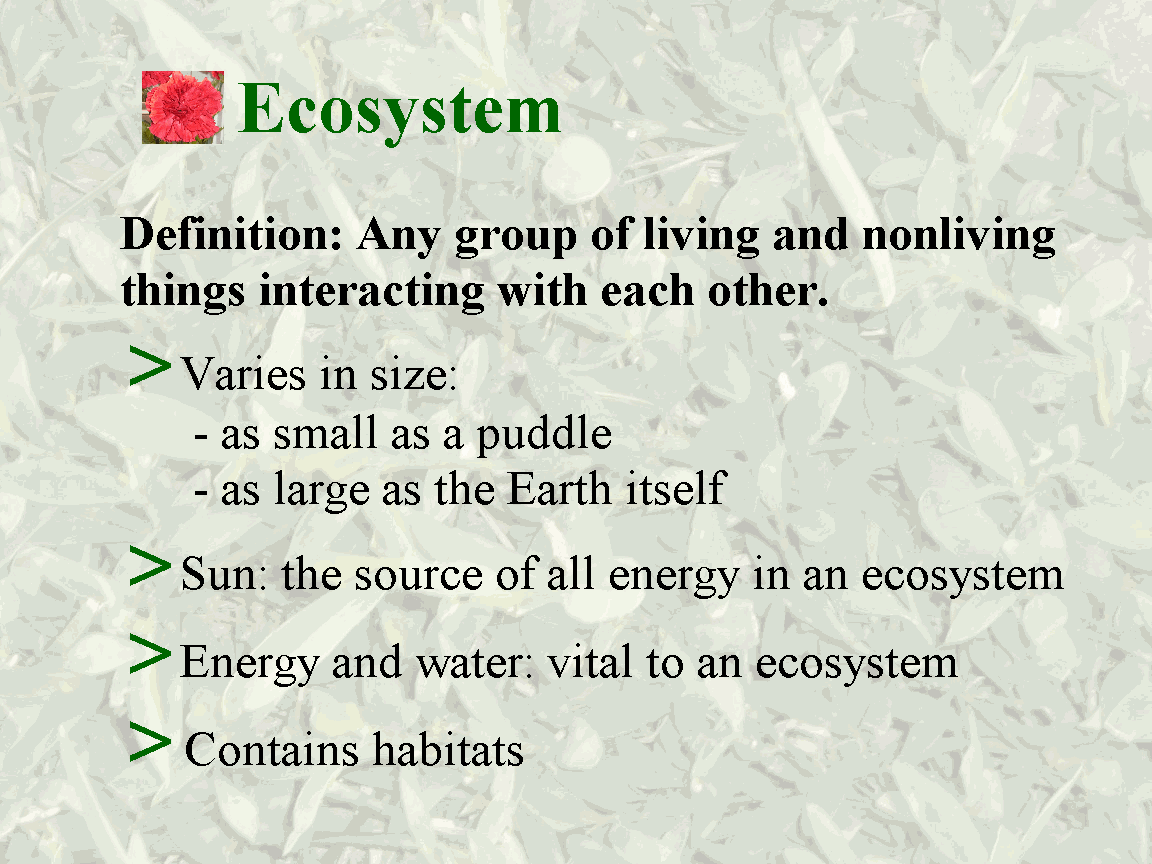
If you need to present your assignment, simply create slides in your assignment by separating each slide with a page break. When you are ready to present, choose View > Presentation from the menu.
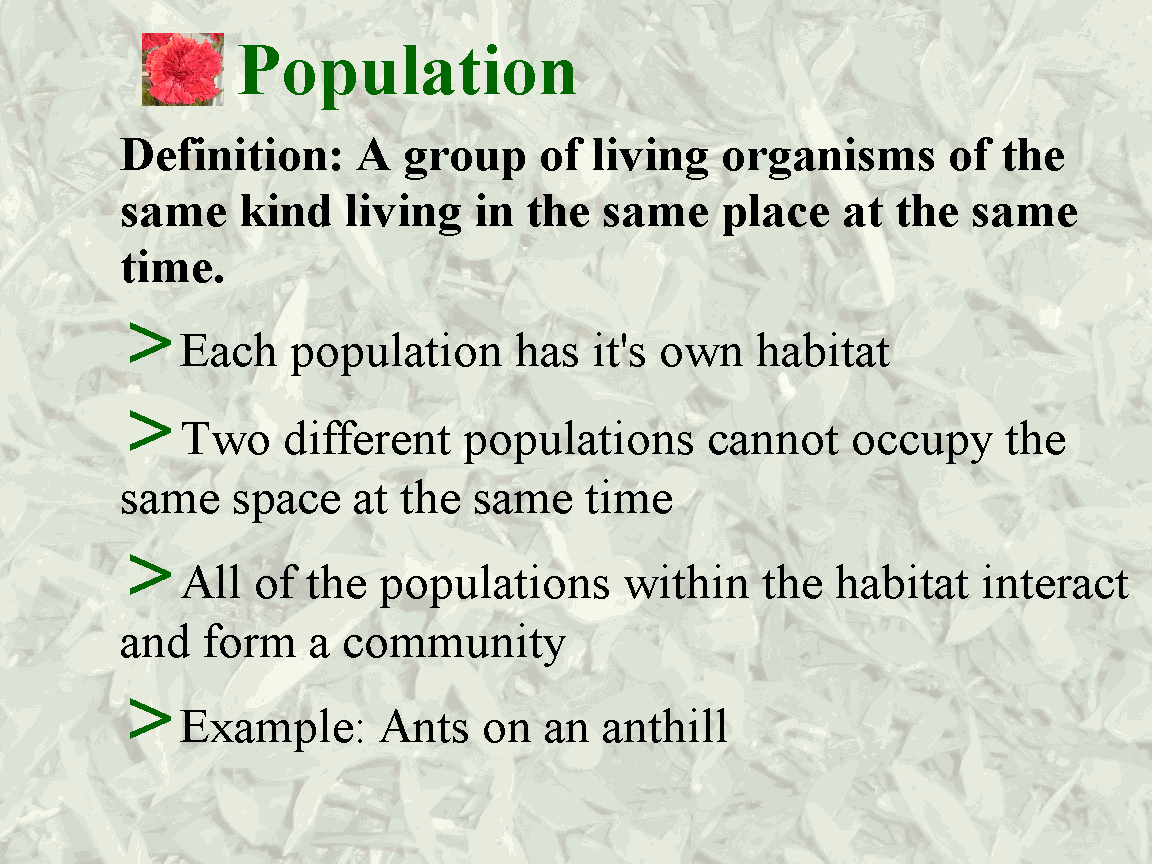
This example shows a couple of presentation slides.
about FirstClass presentations.
5 - Use your class calendars to plan your week
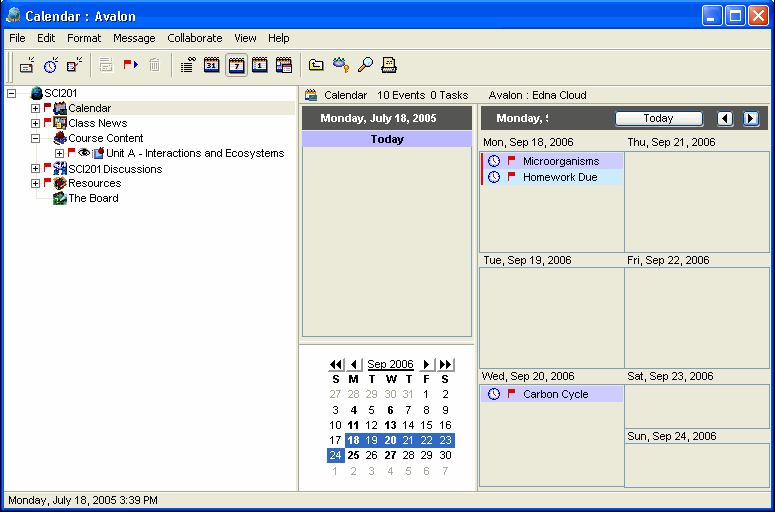
From your My Classes area, you can access any of your classes, and thereby any of your class calendars. View each of them at the start of the week to plan for important dates and upcoming assignments.
about managing schedules.
6 - Share your portfolio
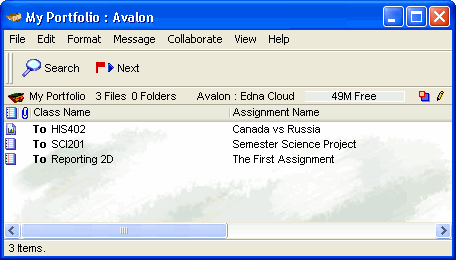
Use your portfolio to keep track of your accomplishments, and then share those accomplishments by aliasing your portfolio to your My Shared Documents area. By selecting your name in the Directory and clicking Shared Documents, your teacher and peers can see your accomplishments.
about portfolios.
7 - Have class discussions from home
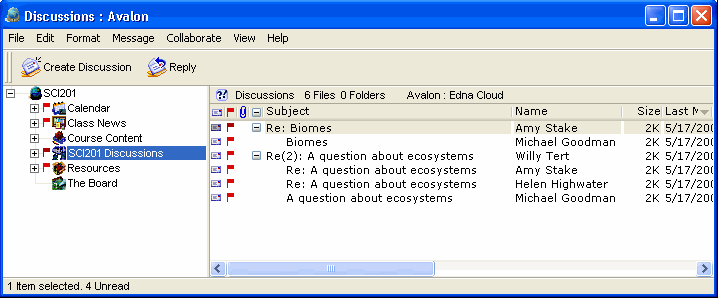
From your My Classes area, you can access the Discussions area within each class. It is here that you can talk to the teacher and students and continue your classroom discussions -- from the comfort of your home, or any location where you have an Internet connection and a FirstClass ED client.
8 - Visit your teacher online
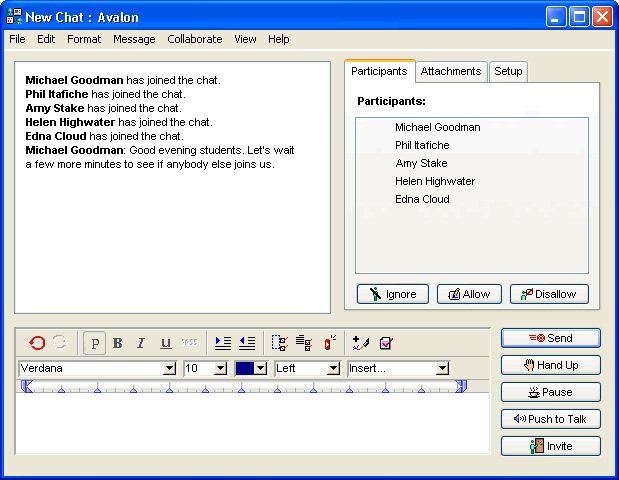
Your teacher may set "class hours" when she will be available to meet privately or in a group through a class chat room. Use this time to contact her and get extra help.
about participating in discussions.
9 - Get class and school announcements online
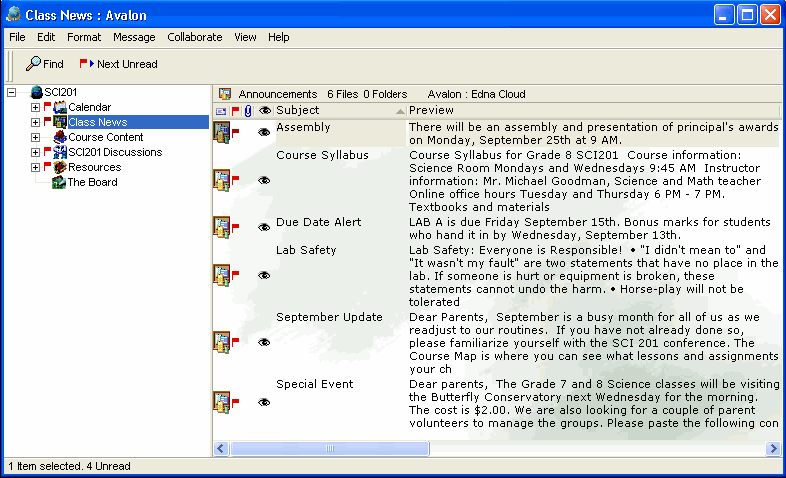
Your teacher(s) will post important class and school information in the Class News area of each class. Use this area to find out what is going on and what is coming up.
about receiving news.
10 - Get extra help in your own time
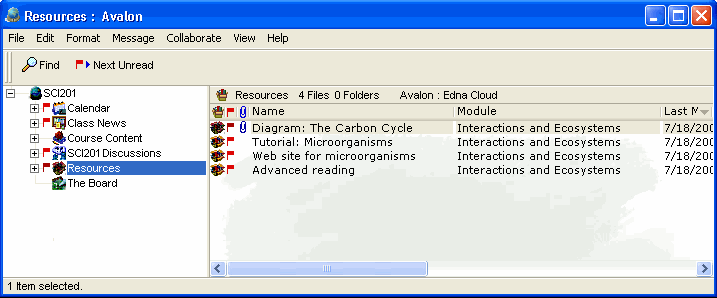
Your teachers may post extra work, tutorials, and reference material in the Resources area of each class. Use this information if you need to in order to keep up with the work. You can access these resources at your own convenience as you need them.
about using resources.
|