 Using resources Using resourcesTask list  FirstClass ED resources FirstClass ED resourcesFirstClass ED provides a class area called Resources. Your teacher may use this area to provide extra materials, such as
• tutorials to help you grasp concepts
• web sites where you can find more information
• practice work
• suggested readings
• advanced work to provide more of a challenge
• extra credit work
• guidelines for parents to help you learn.
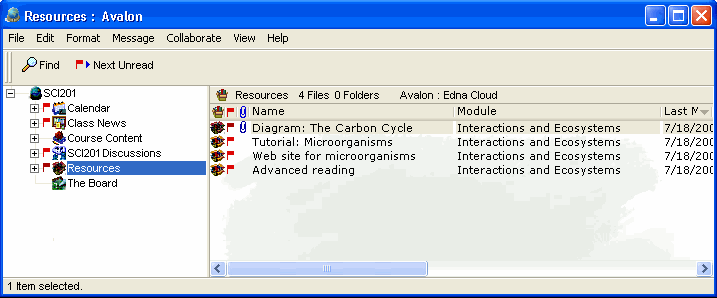
This example shows how a teacher uses the Resources area of his class to provide additional information to students.
 How to How toYou only have the ability to read items in this area.
| ||